Content:
Apple’s latest MacBook lineup – from the M4 MacBook Air to the 16‑inch MacBook Pro with M4 Max – comes with different charger wattages.
Whether you work from home 🏠, in an office 🏢, or on the road ✈️, understanding these requirements helps you choose the right power source.
📘 Quick reference: charger wattage by model
- 💻 MacBook Air (M4 / M3) → 30W or 70W charger
- 🖥️ 14″ MacBook Pro (M4 / M4 Pro / M4 Max) → 70W, 96W or 140W charger
- 🎧 16″ MacBook Pro (M4 Pro / M4 Max) → 140W charger
All models support USB Power Delivery (USB‑PD).
✅ A higher‑wattage charger will not damage your laptop – it simply delivers what the laptop asks for.
⚠️ A lower‑wattage charger will charge more slowly and may not keep up under heavy load.
⚡ So what can you expect from a 100W USB‑C port?
- MacBook Air → full‑speed charging (more than enough)
- 14″ MacBook Pro → fast charging (meets or exceeds the 70W/96W standard)
- 16″ MacBook Pro → slower than 140W, but still charges the laptop – ideal for overnight or light workloads
🛠️ A practical desk solution that puts this knowledge to work
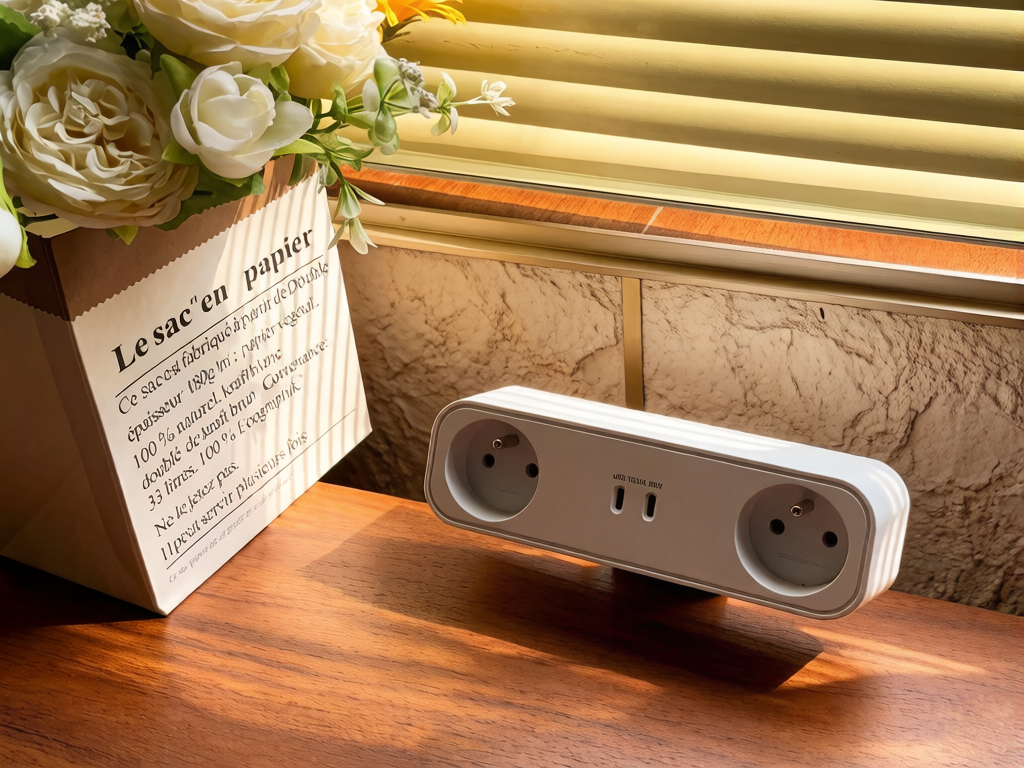
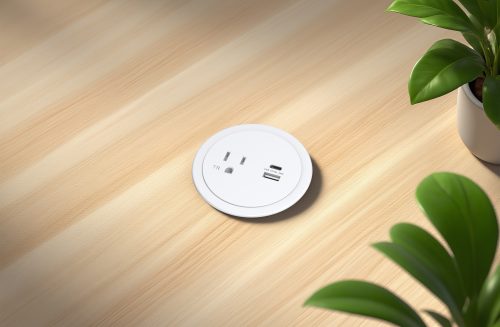
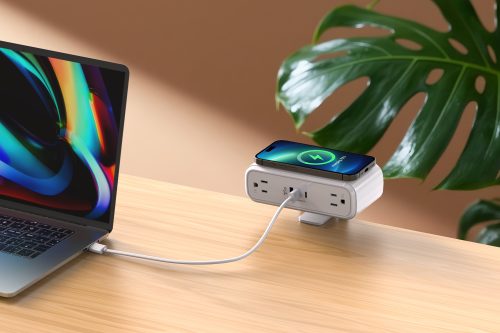
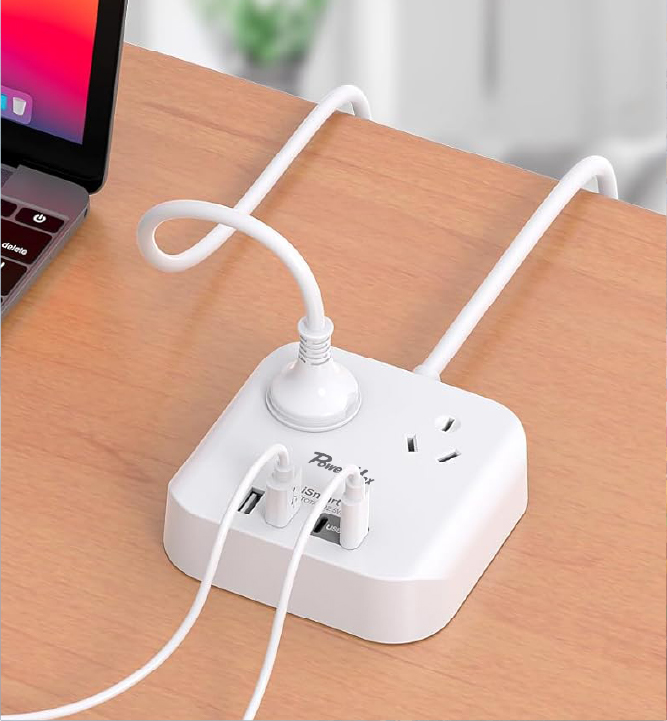
If you manage Mac‑based workstations, design office desks, or simply want a cleaner, cable‑free desktop, our tool‑free clamp‑on power socket is worth a look.
Desktop Clamp Mounted Power Module 🔩
📊 Rating: 16A / 250V / 4000W
🔌 Outlets: 2
📱 USB Ports: 2
⚡ USB Output: PD100W Total
🔋 USB C: 100W PD MAX – DC 5V/3A, 9V/3A, 12V/3A, 15V/3A, 20V/5A
🔌 USB C1 + C2:
→ C1: 70W PD MAX – DC 5V/3A, 9V/3A, 12V/3A, 15V/3A, 20V/3.5A
→ C2: 25W PD MAX – DC 5V/3A, 9V/2.77A, 12V/2A
📏 Cord Length: 1M
🔘 Power cord diameter: 3c*1.5mm²
🛡️ Materials: Fire proof PC
📦 Packing: Brown Box
✨ Key features:
- Installs in seconds – on top of the desk or underneath – no tools required 🛠️
- Available in US, UK, EU and French socket standards 🌍
- 2 AC outlets + 2 USB‑C ports
- Total USB‑C output: 100W PD
- Single USB‑C: up to 100W
- Both USB‑C in use: 70W + 25W
Clamp it to your desk edge (or mount it under the desktop) and you instantly add power where you need it. No more reaching for floor outlets or carrying bulky adapters. 🧹⚡
👉 Looking for the right power socket for your office?
[Browse our full collection →] (link to product category page)
Or [contact our team] (link to contact page) for bulk / custom orders.